How to find the furniture in a photo, all of it
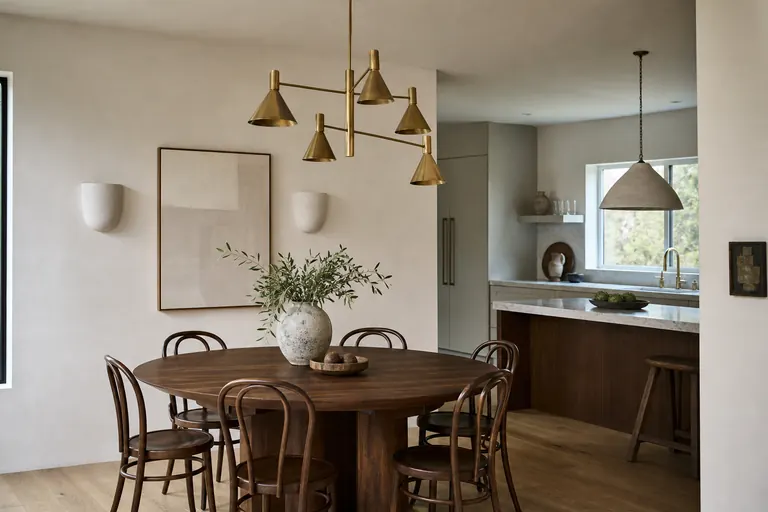
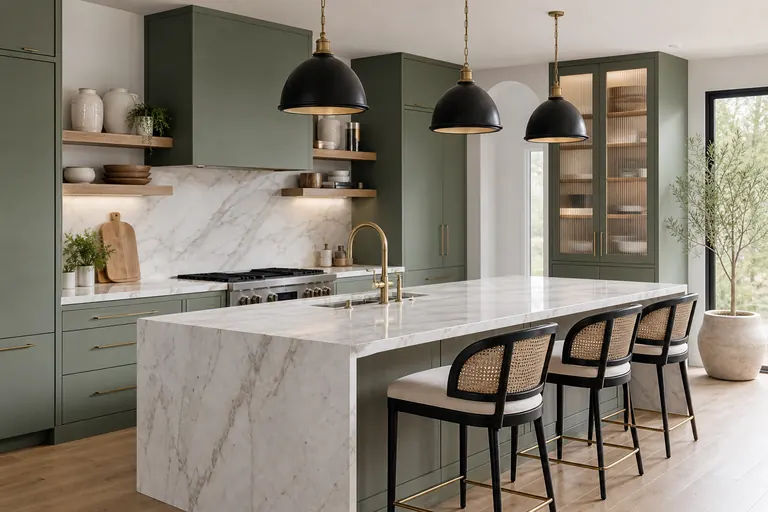
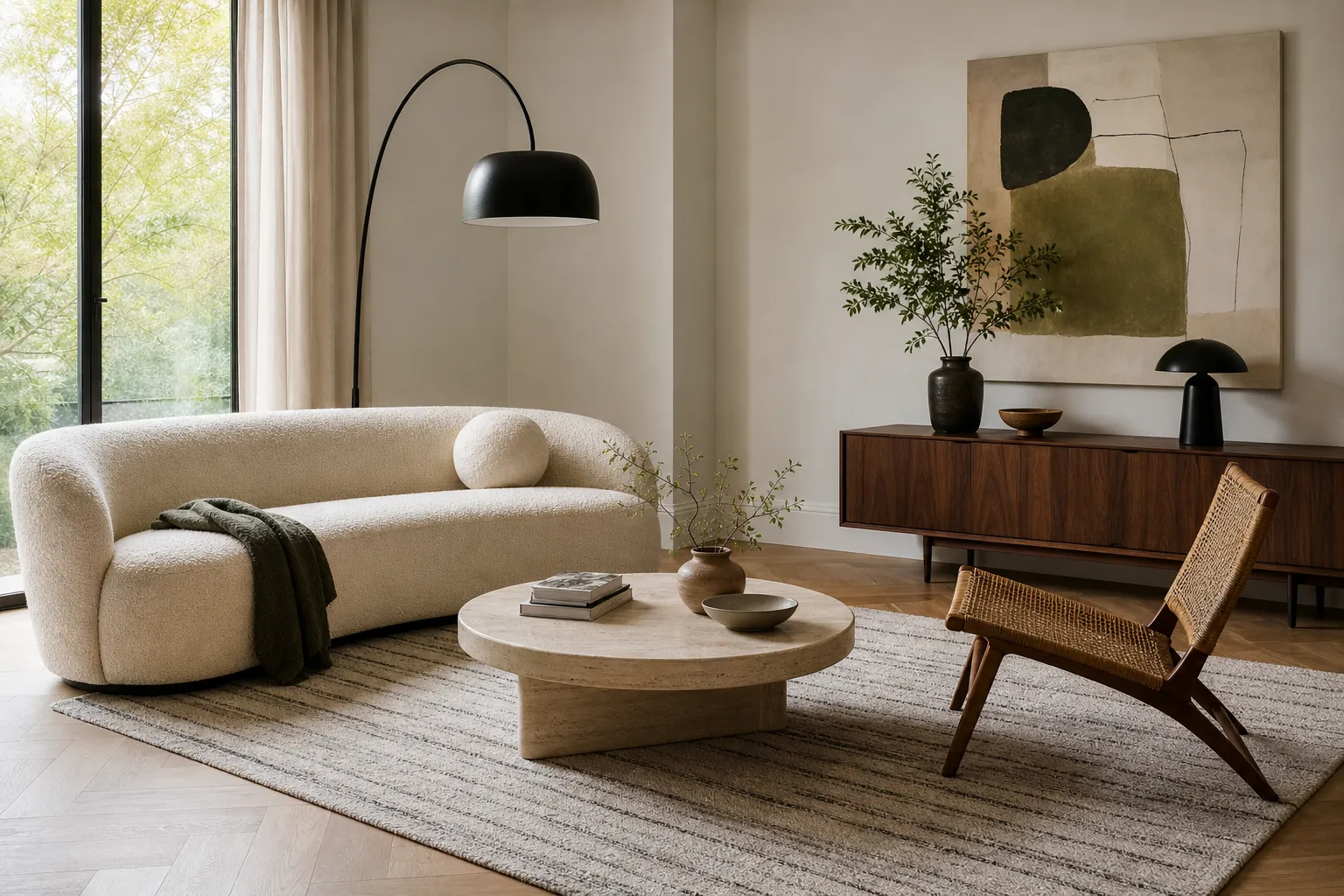
Visual search apps find one object at a time. Rooms aren't one object. A living room photo you saved has a sofa, a coffee table, a chair, a lamp, a rug and a sideboard, and the look comes from how they sit together.
One board for the room
Furnidream takes the whole photo, numbers every piece on the picture and shops for each one at the same time. Each item gets a card with the closest match, a price and the store, plus arrows to flip through the other options. Hit Keep on the ones you like and the board totals them, so you see what the room costs before you buy a single thing.
Describe materials, not vibes
Furniture listings are tagged by material and shape far more reliably than by style. "Curved boucle sofa" beats "cozy modern sofa." "Round travertine coffee table, pedestal base" beats "organic coffee table." Furnidream writes these specs for each item, and you can add your own in the search box under any card, like "under $1,500" or "performance fabric."
| You'd say | Stores search for |
|---|---|
| Fluffy white couch | Curved boucle sofa, ivory |
| Stone coffee table | Round travertine pedestal coffee table |
| Woven chair | Rattan / cane lounge chair |
| Bendy floor lamp | Arc floor lamp, black |
Questions
Is this the same as Google Lens?
Lens is great for one object. Furnidream handles the whole room at once, keeps the results on a saved board, and lets you swap, keep and total items.
Does it find cheaper versions?
It ranks by how close the match is, and shows prices from several stores. Add "under $500" to any item to search again with a budget.