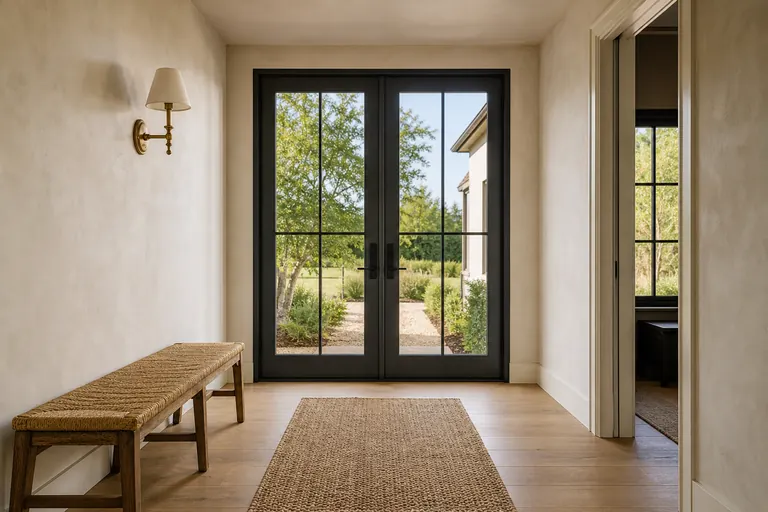
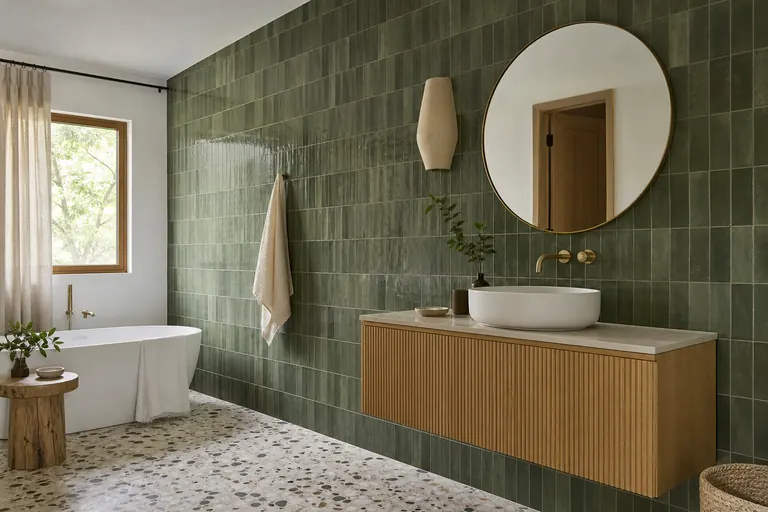
How to buy what's in a 3D or AI render
Renders are the most frustrating thing to shop from. The cabinets, the faucet and the pendants were modeled, not photographed, so there's no product page to find. The useful question is what real products come closest, and what you'd give up with each one.

Why image search fails on renders
Reverse image search looks for the same picture somewhere else on the web. A render is a new picture, so there's nothing to match. Furnidream works the other way: it reads what each object is, writes the specs a store would use (sage green flat-panel cabinets, brushed brass bridge faucet, black dome pendant, 14 in) and searches by those words, then checks the results against the crop from your render.
Expect "closest," and read the differences
Each match carries a score and a short note on what's off: a slightly different handle, a warmer brass, a pendant 2 in smaller. That's the honest version of shopping a render. Keep the ones that are close enough, and for the rest type what matters most, like "must be 36 in" or "polished nickel instead," and search that item again.
Upload your photo from your designer, a 3D tool or an AI image generator.
Questions
Can I use an AI-generated room image?
Yes. Furnidream treats AI images like any render: it names each object and finds the closest real products.
What if nothing matches?
Every item also has one-tap searches at Home Depot, Lowe's, Wayfair, Amazon and others with the right words filled in, so you never start from a blank search box.